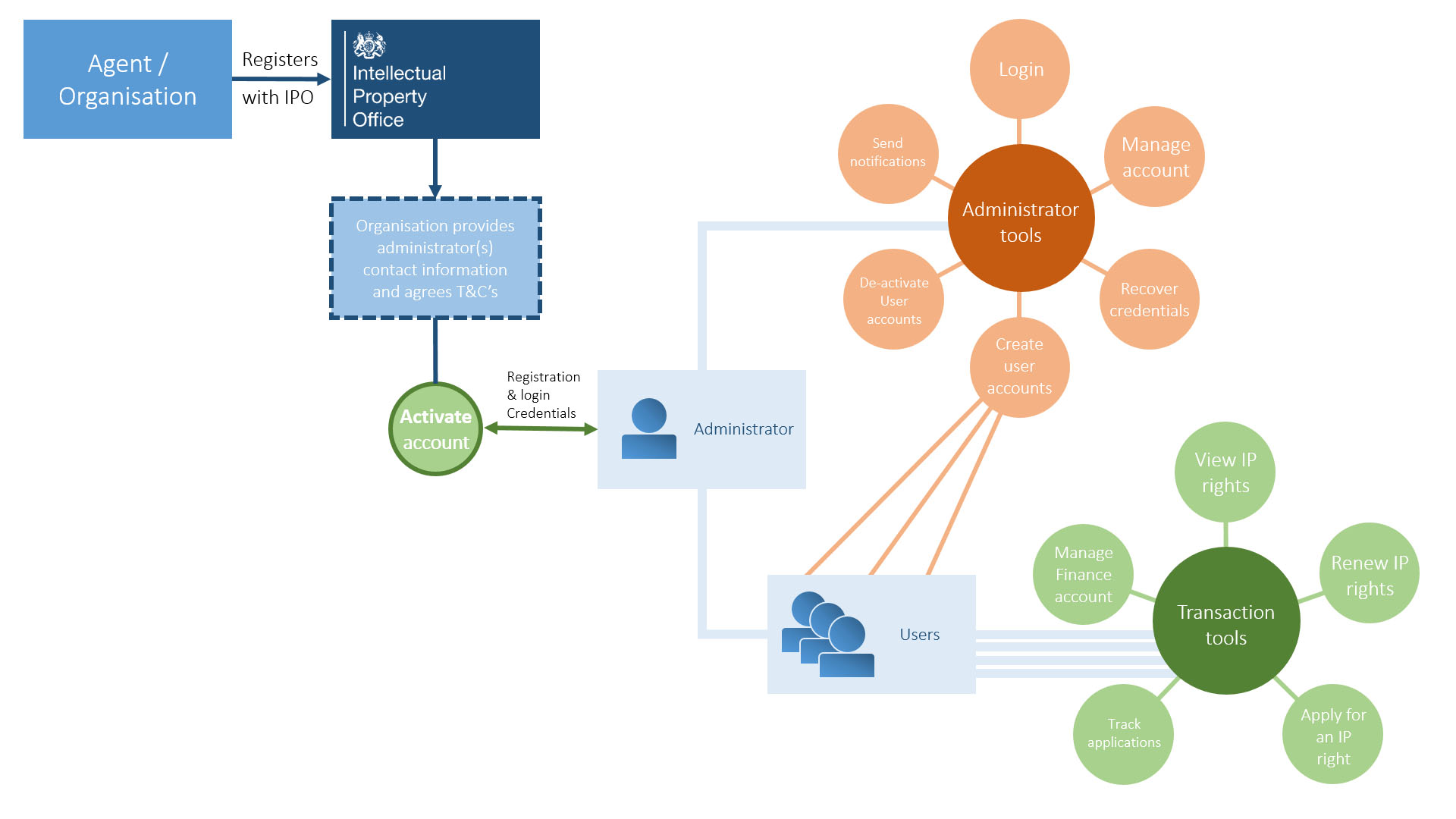
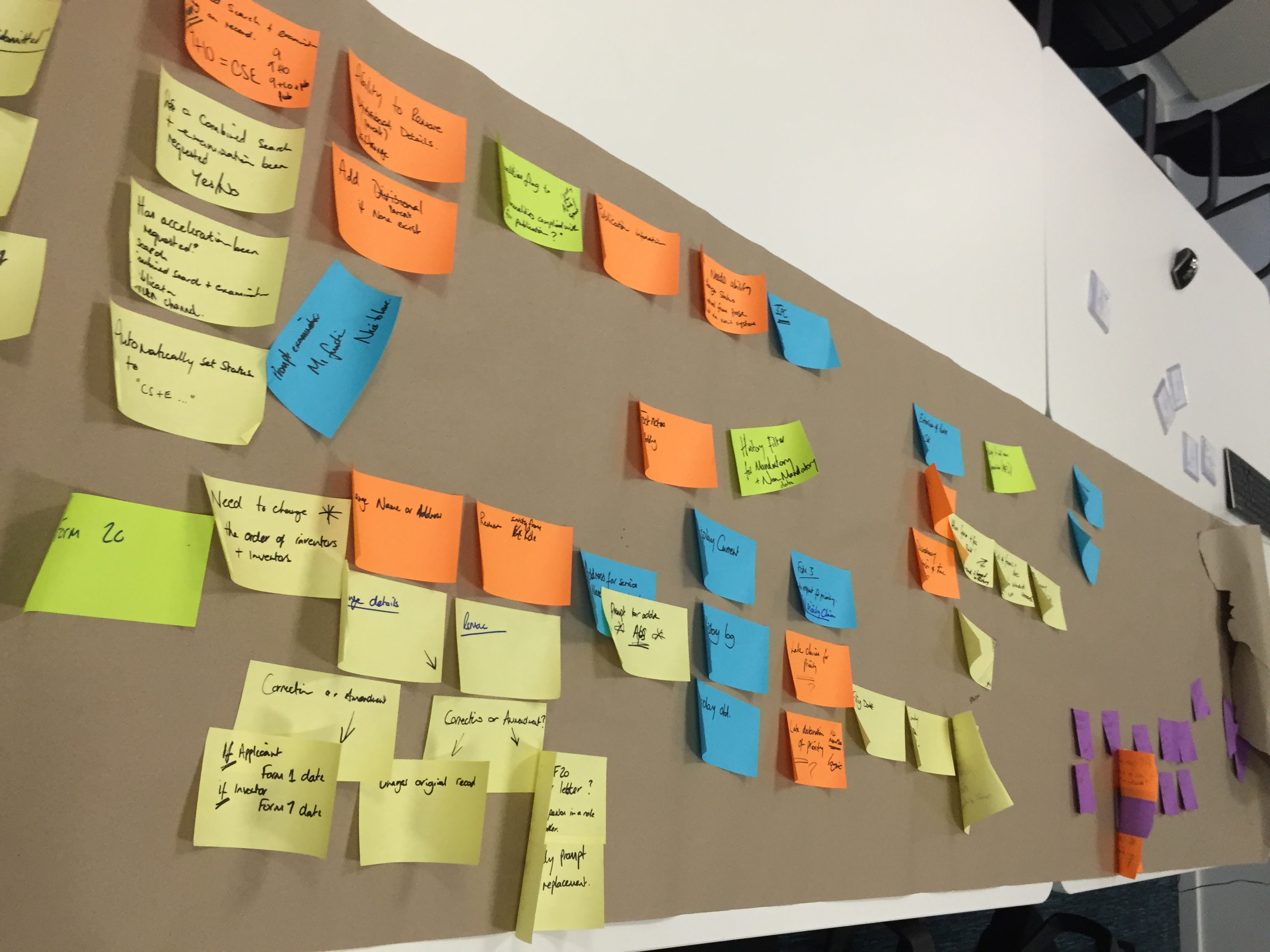
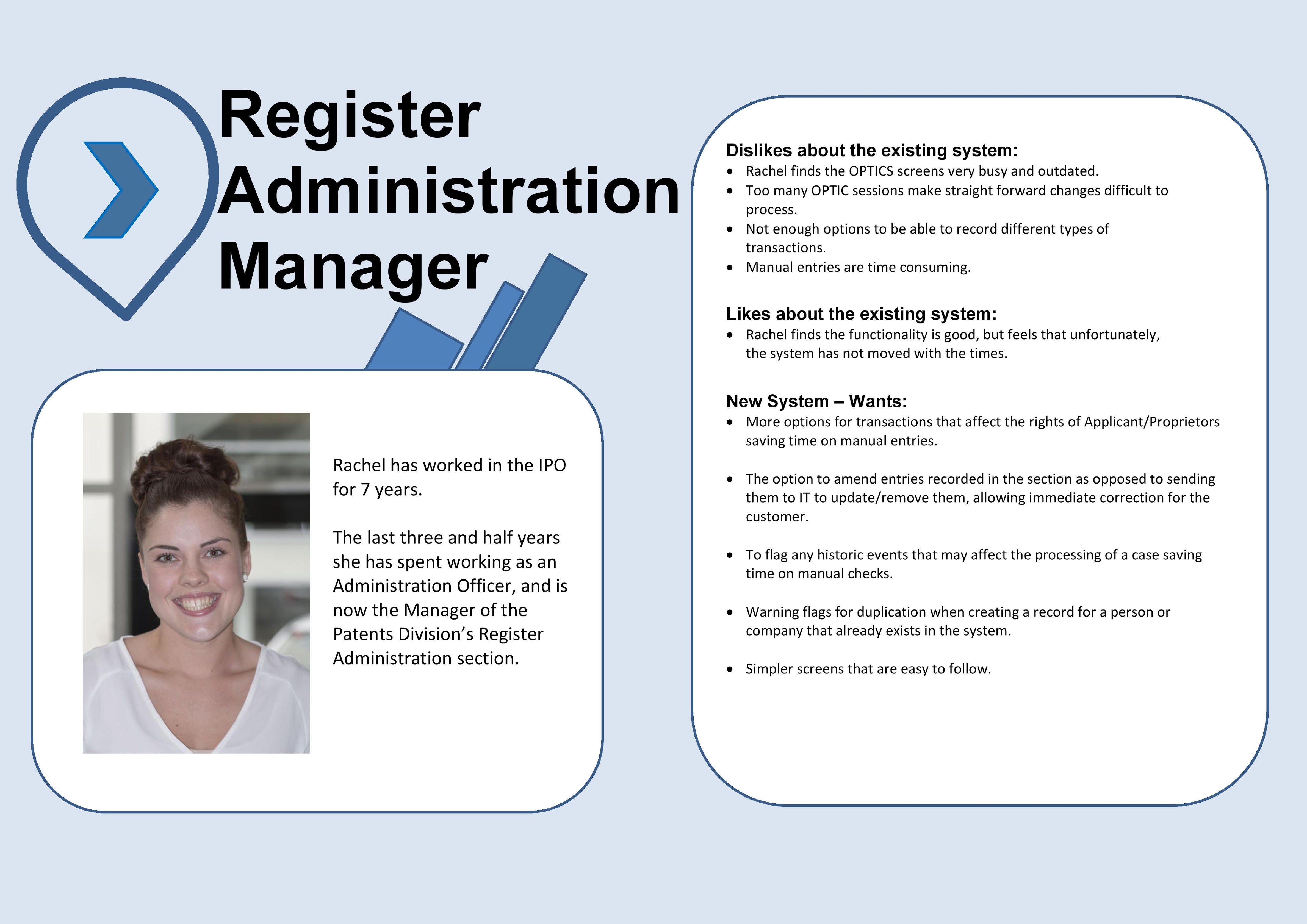
Before development could begin, I transformed the initial business analysis from spreadsheets into visual stories that users and the team could understand and align with.
Requirements and challenges
- Users were stuck using a DOS-style system with black background and green text
- Tasks were repetitive and time-consuming due to the lack of intuitive UI
- 30 years of backlogged requirements made it hard to prioritise
- Users were hesitant to adopt a new interface
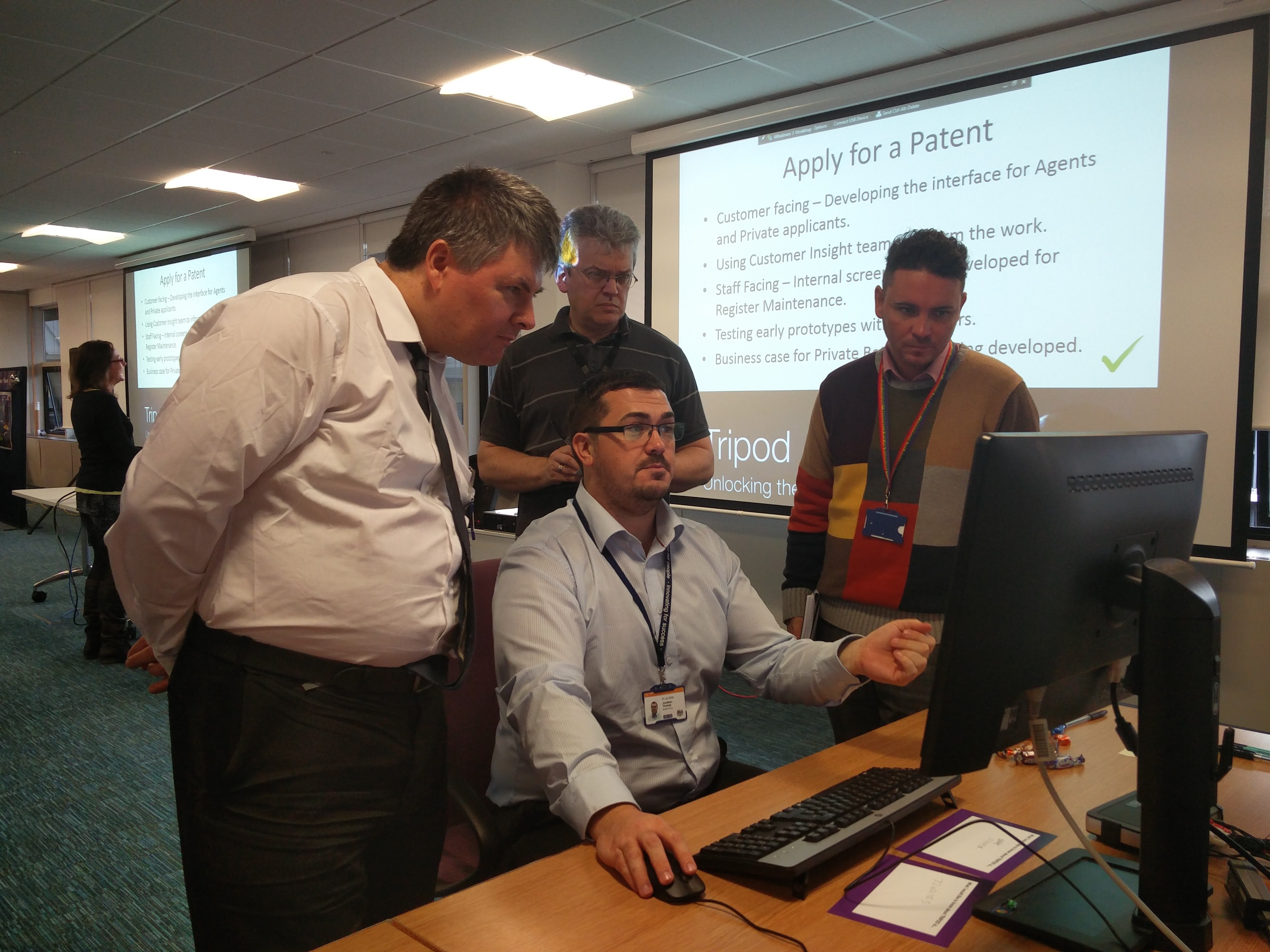
- Sitting with users helped me understand their pain points
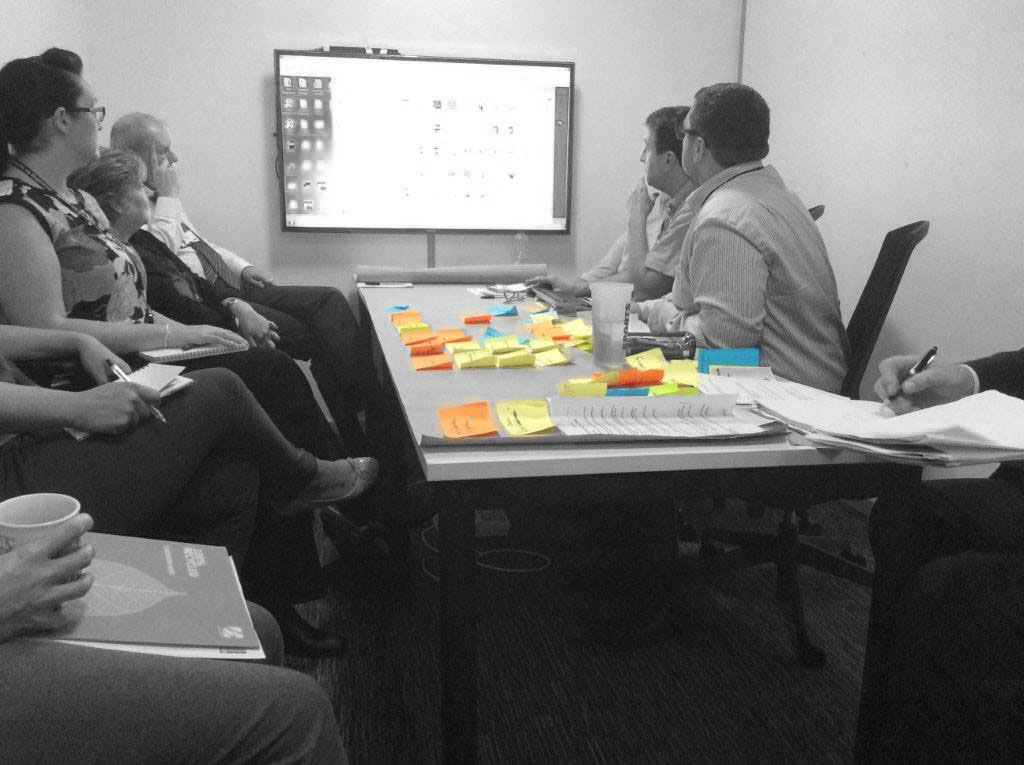
Reviewing the current process
I observed teams across the business to understand their workflows. Tasks that should take 5 minutes took far longer due to the convoluted, keyboard-driven interface.
The task
- Enable quick and easy data input from customer paper forms via a browser
- Support seamless updates and creation of patents
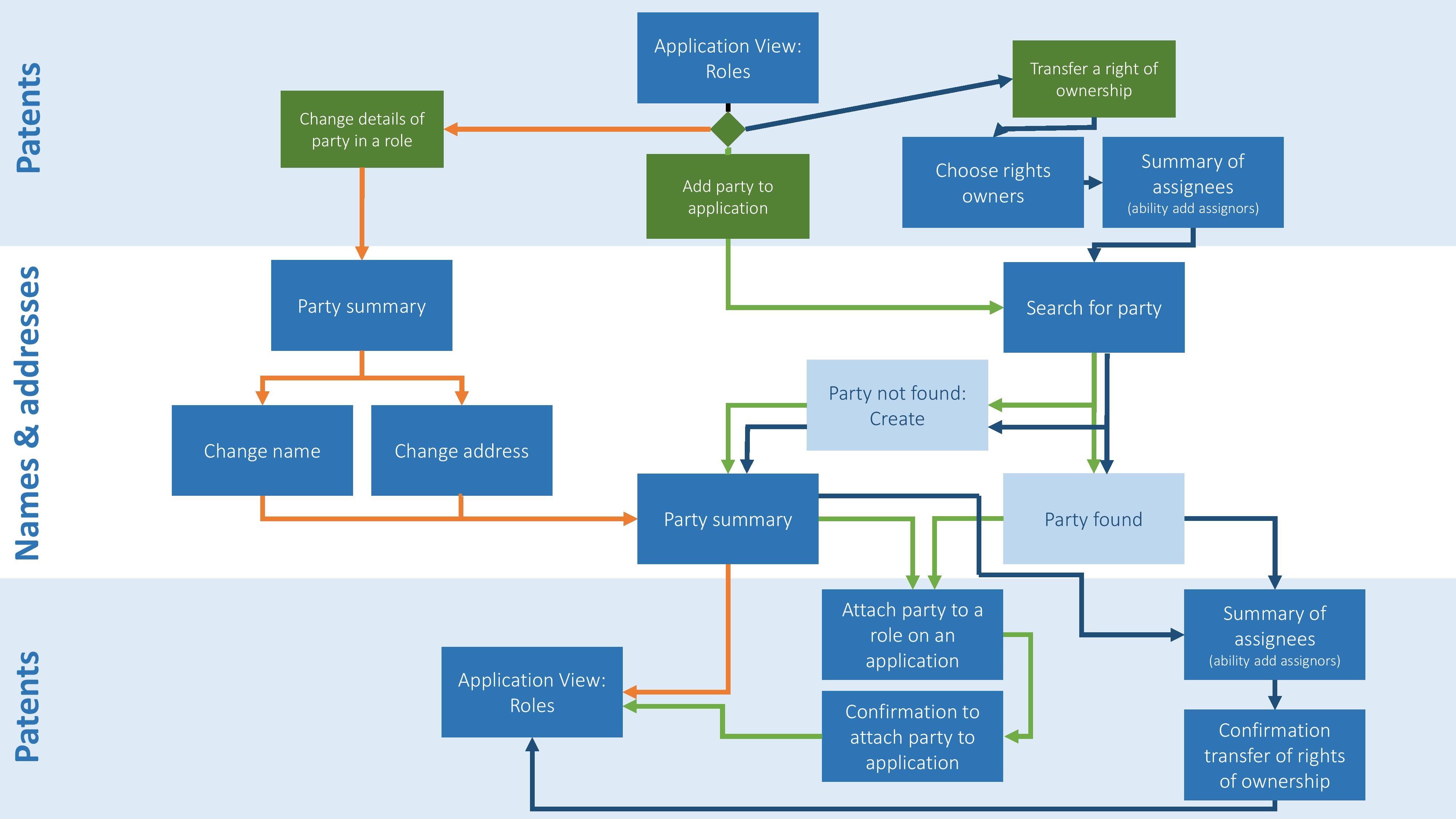
The UX problem
Users had to repeatedly enter the patent number for every action. This redundant process was inefficient and error-prone.
The solution
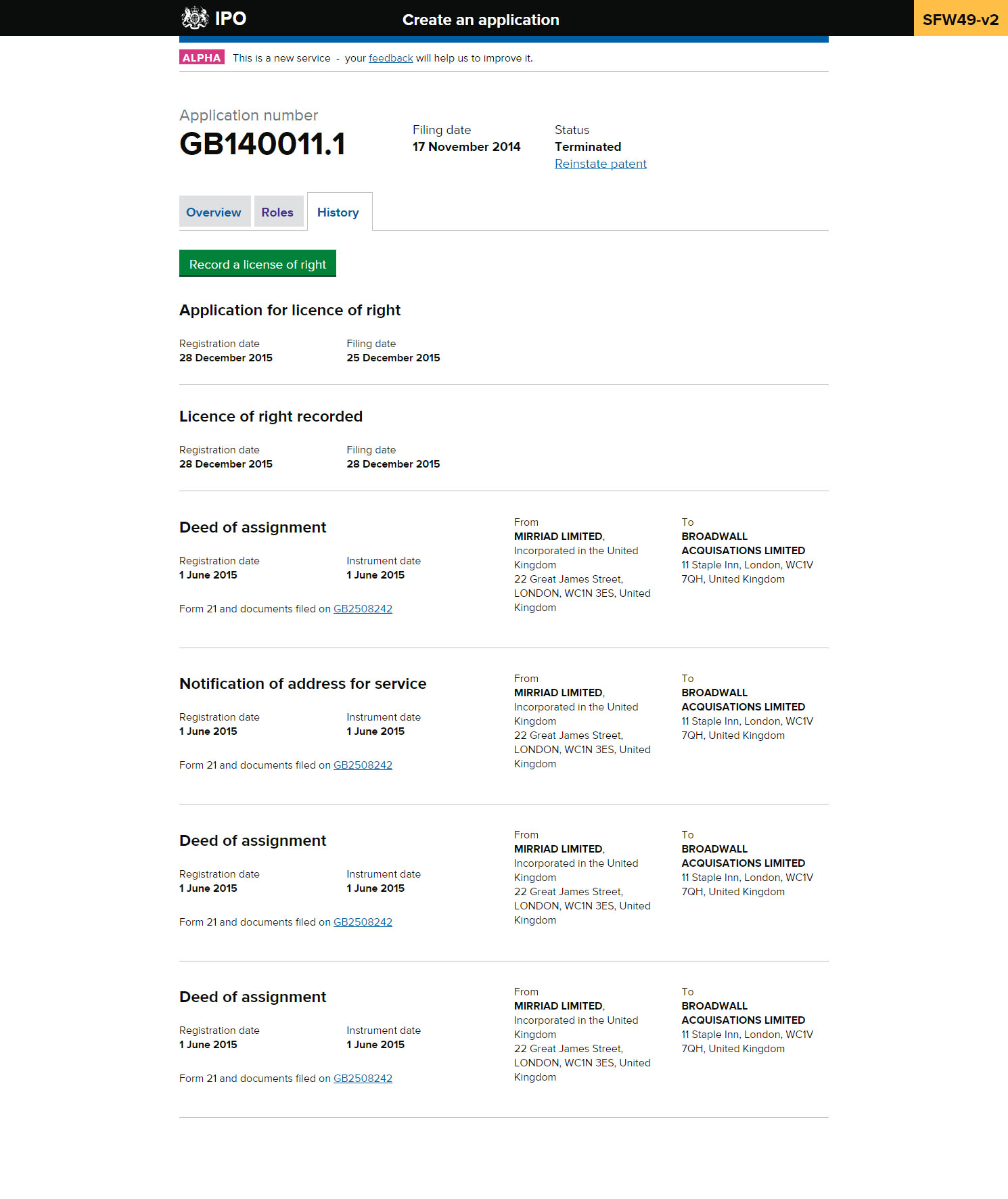
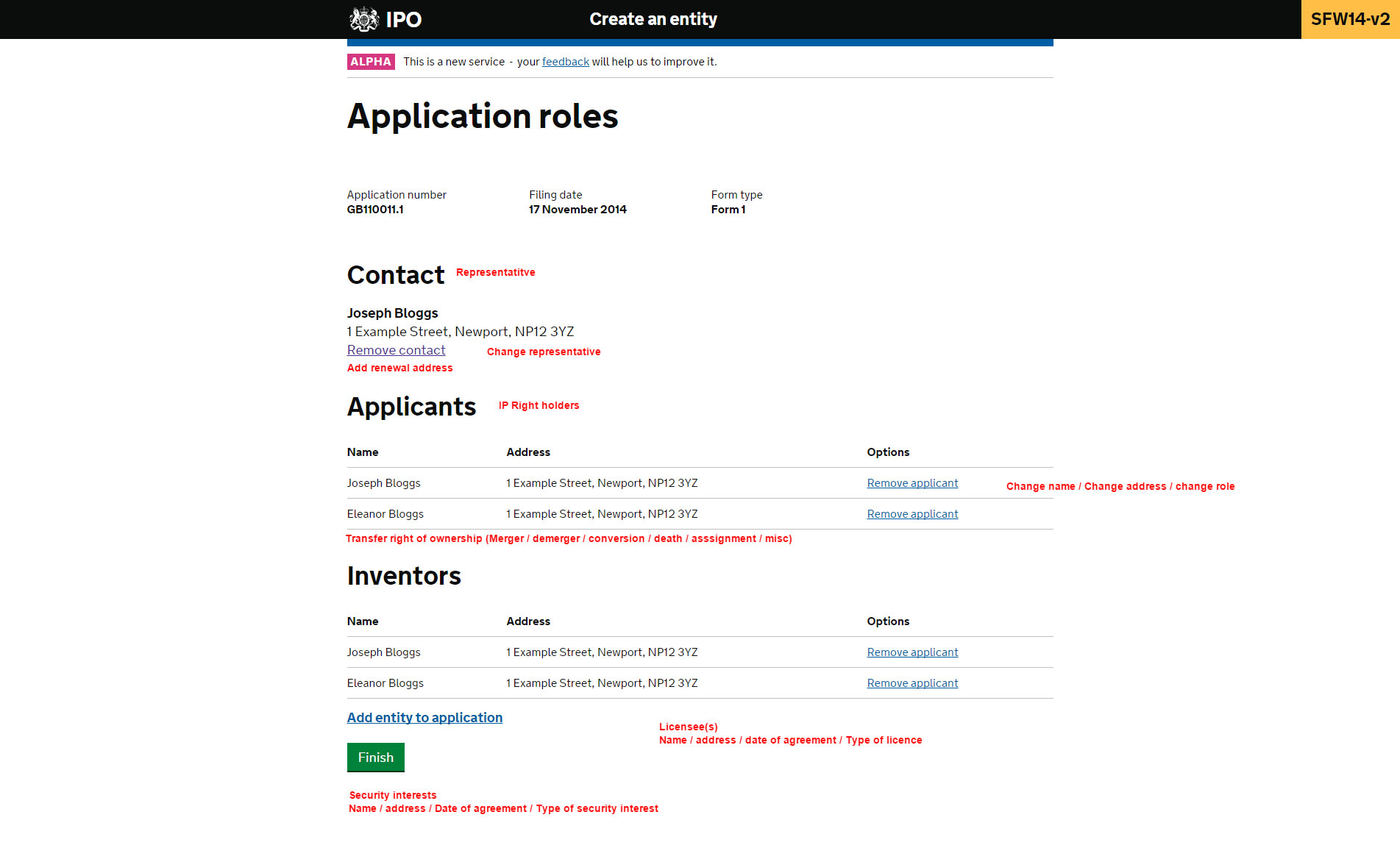
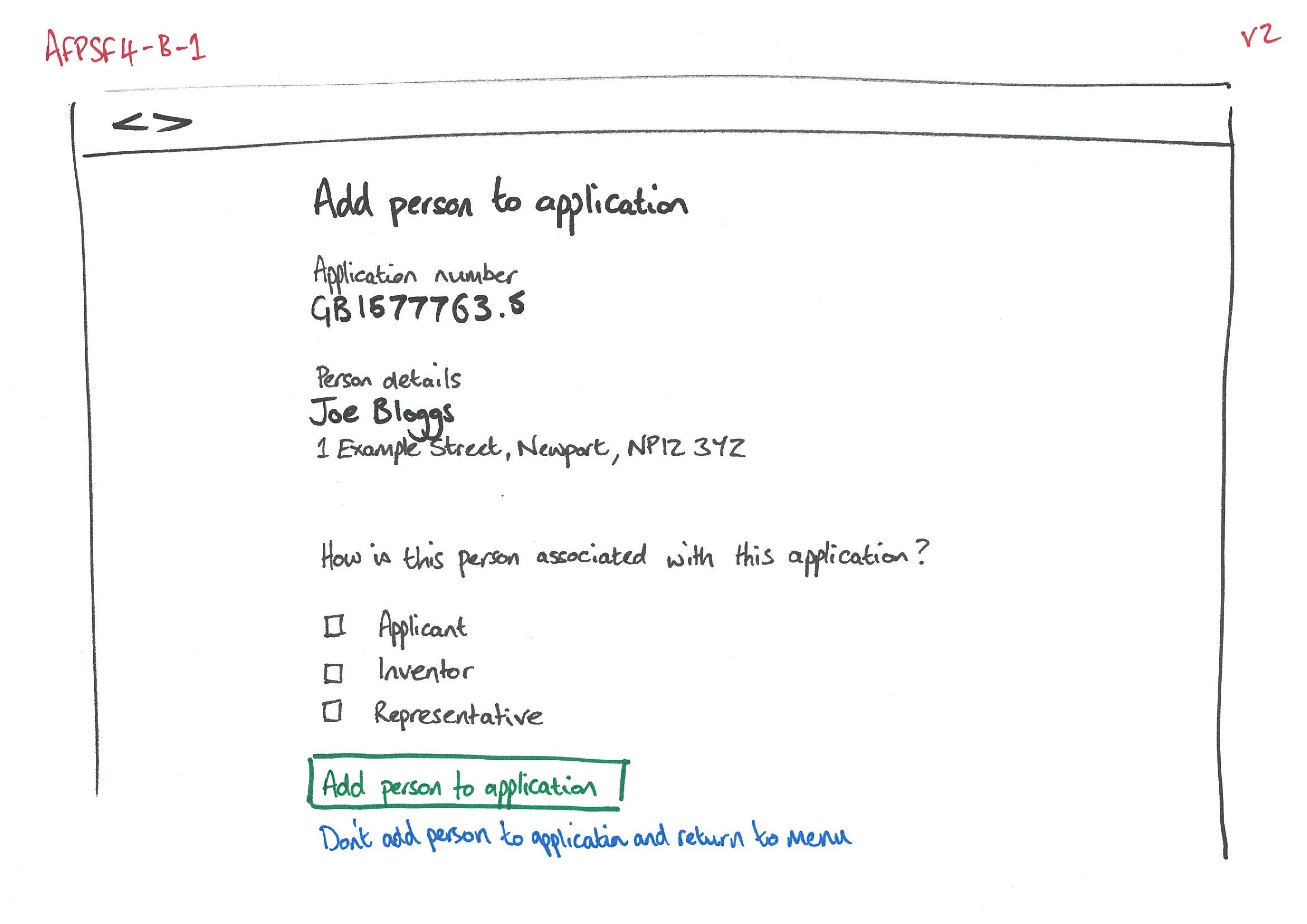
- A search-driven app where users select a patent once and perform multiple actions from a unified view
Actions
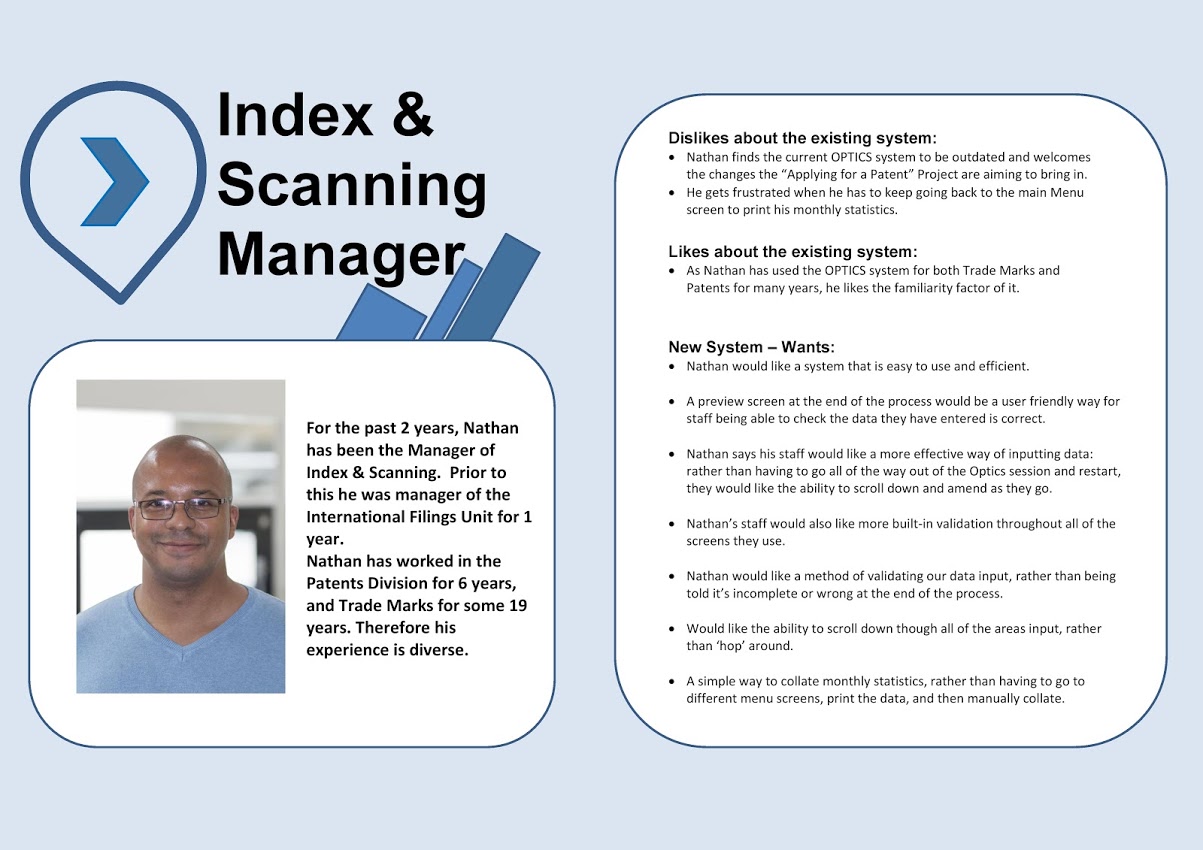
- Conducted research with staff across departments
- Led requirement-gathering workshops and mapped “to be” journeys
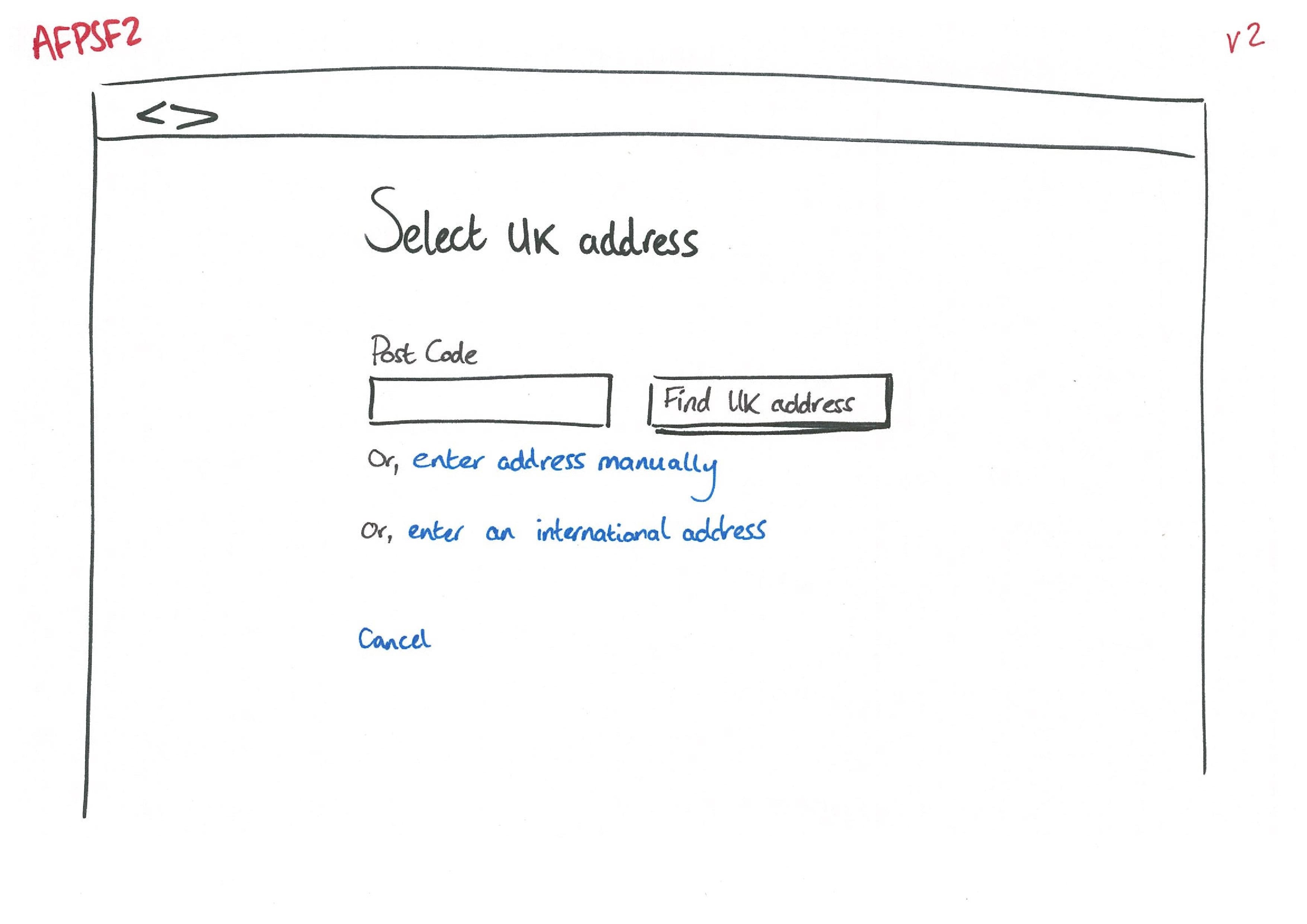
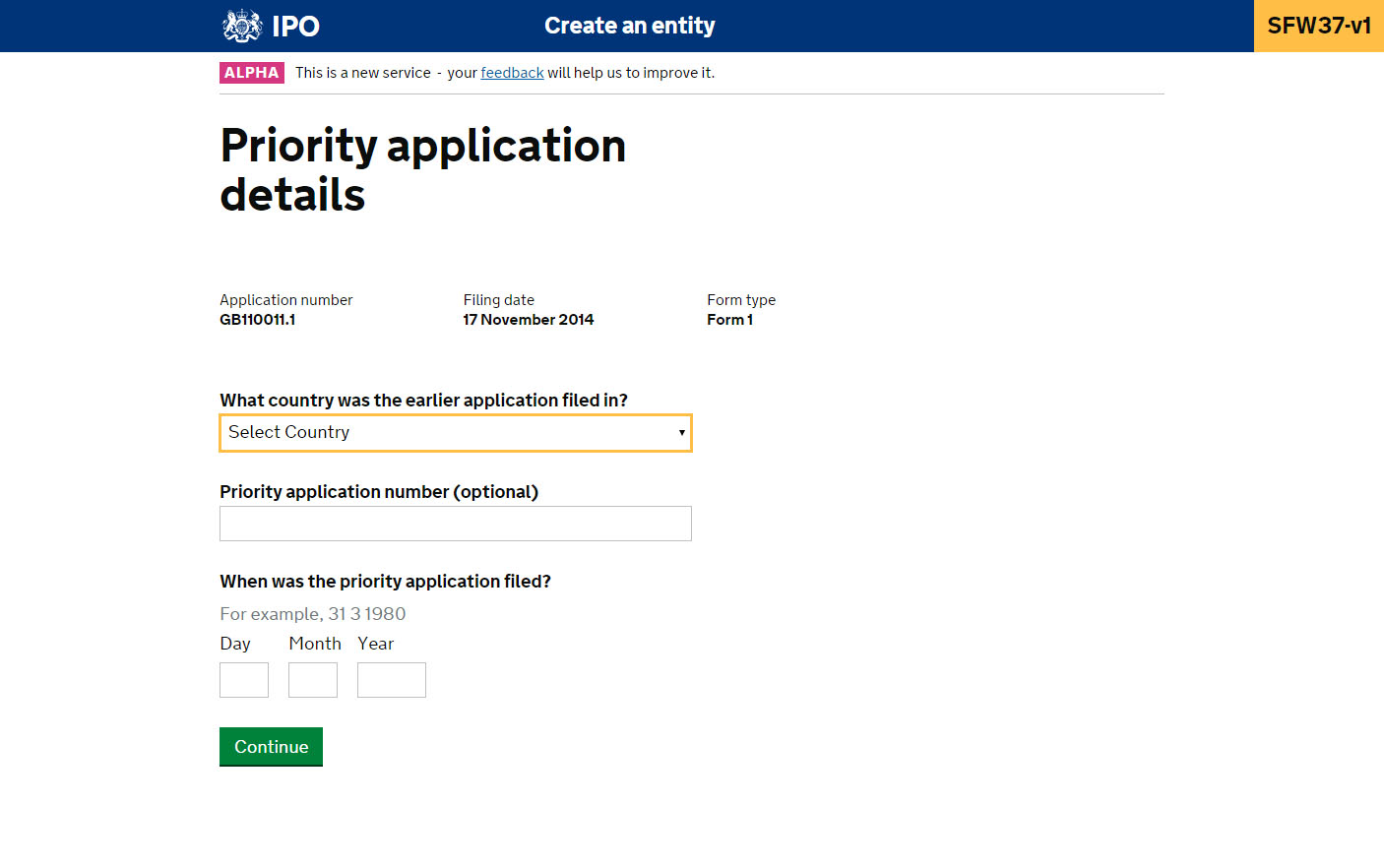
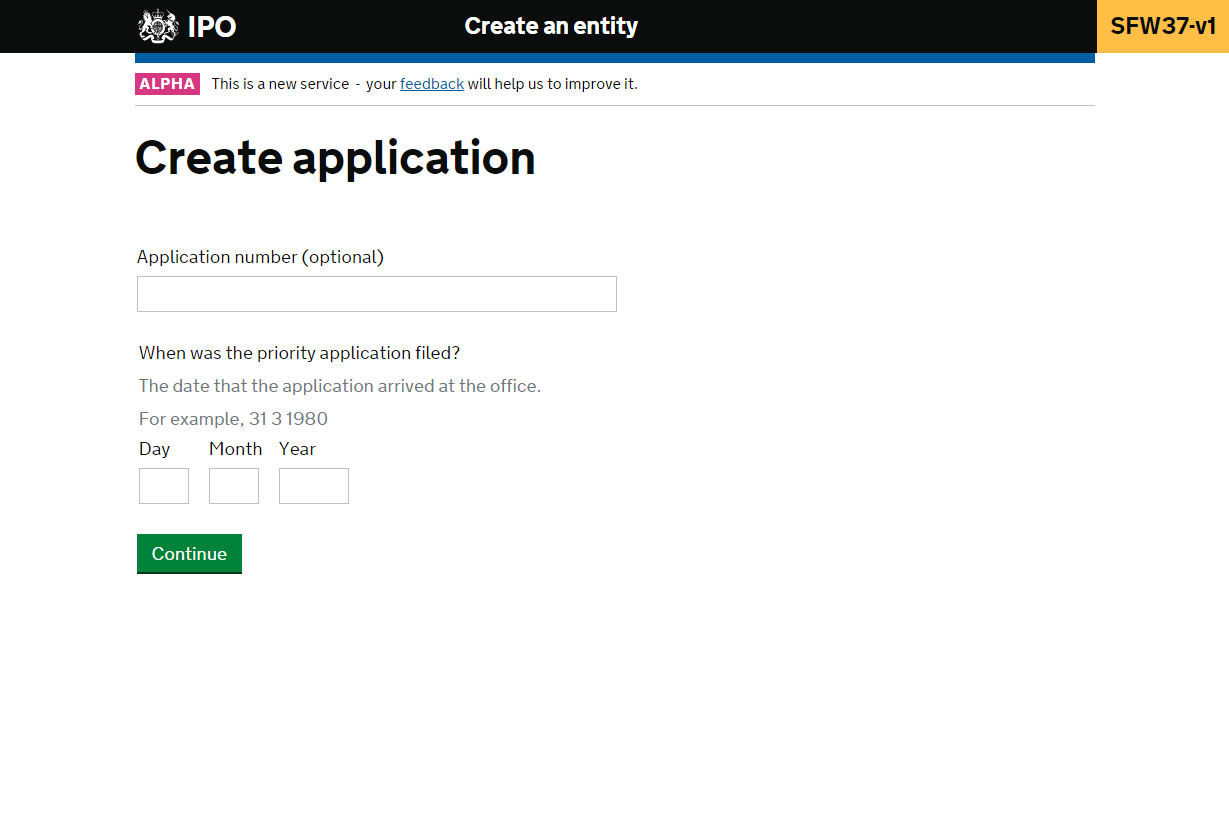
- Built journey maps, low-fidelity sketches, and interactive HTML prototypes
- Used prototypes to run user testing sessions
Outcomes
- Rapid sketching and iteration brought user input into the design early
- Prototypes proved the benefits of change — faster workflows and financial gain
- Gained trust of stakeholders; praised in internal comms
- Fully functional HTML prototype used in GDS Alpha Assessment (passed successfully)
- Prototype guided developer implementation and sprint planning
- Delivered regular show-and-tell sessions with stakeholders